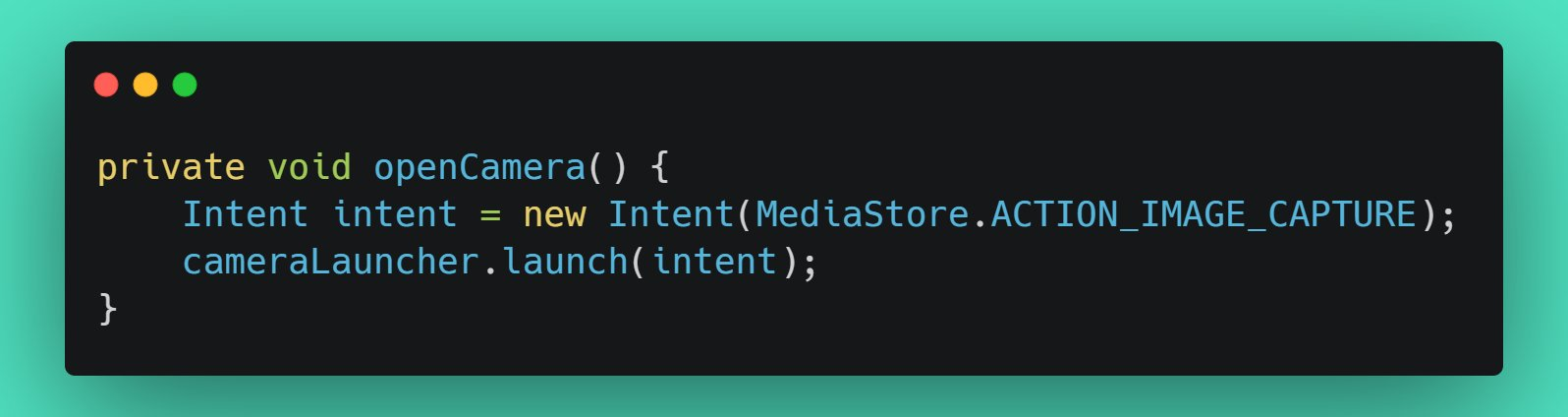
Open camera through intent in Android
Published
•1 min read
M
India
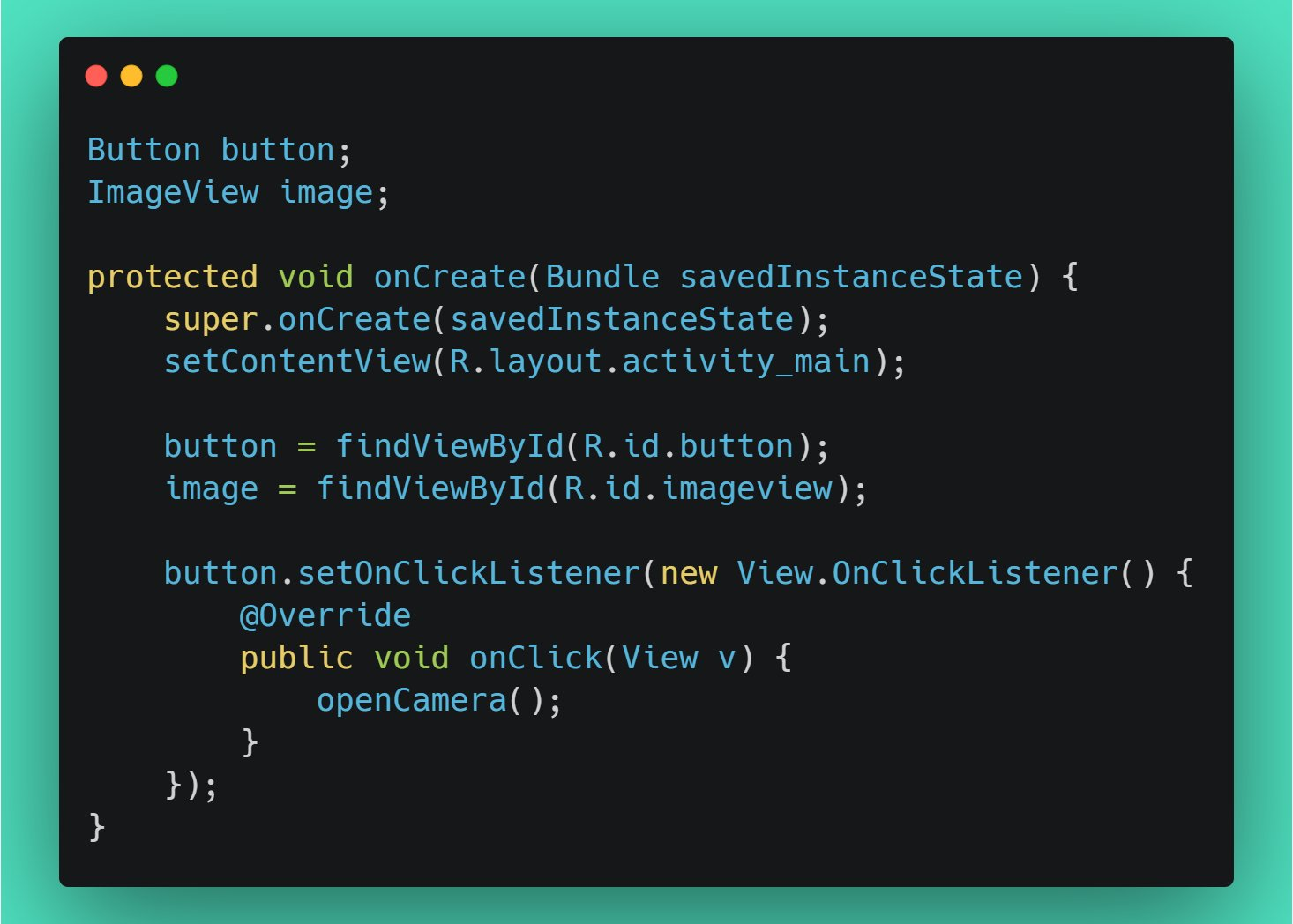
First, create a button to open the camera and an image view on which the captured image should be visible
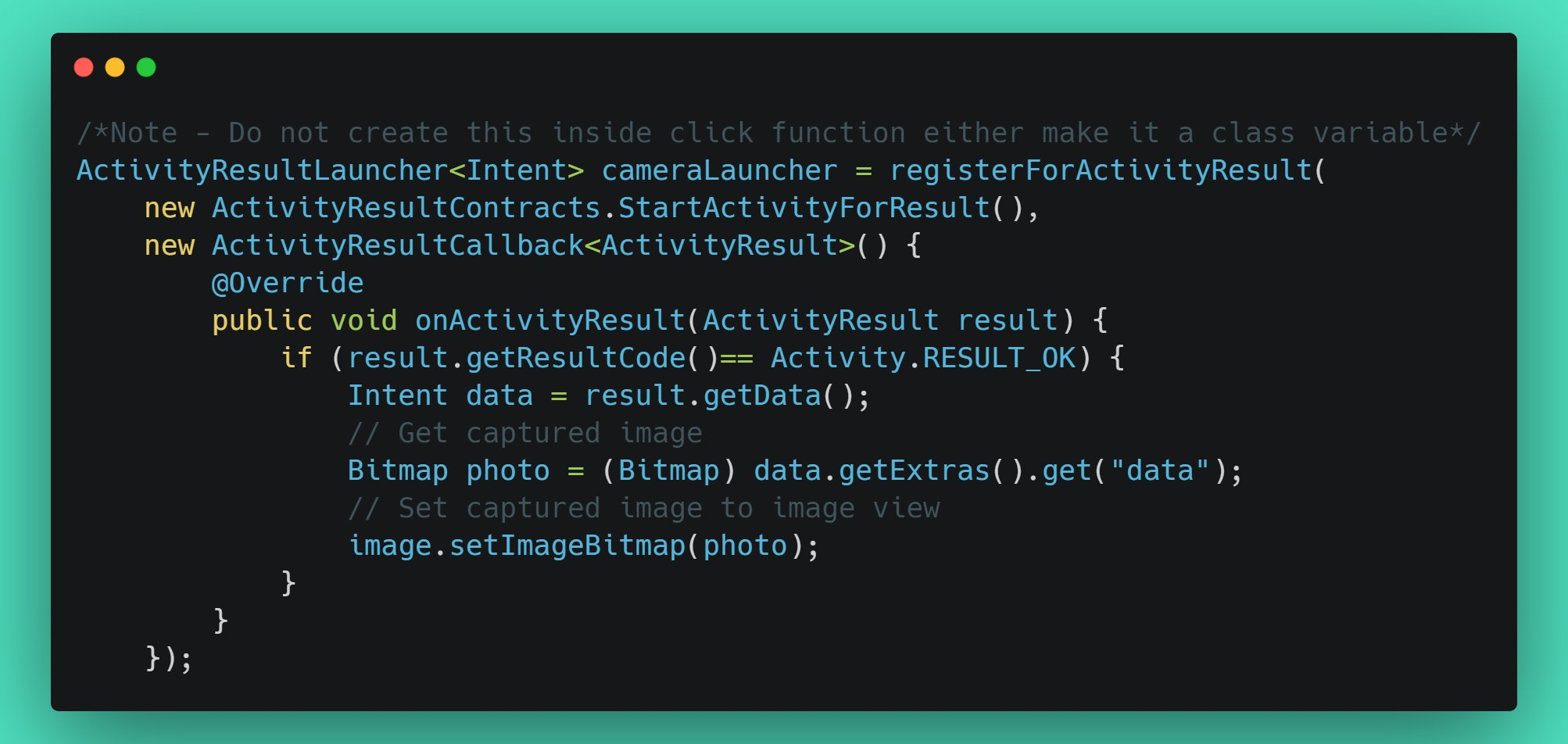
Create a new ActivityResultLauncher object which will handle the case after the image has been captured.
Now complete the openCamera() functionality as follows